How to connect your Shopify store to Nudge
In this video, we will show you how to connect your Shopify store to Nudge so your product data, customer information, and orders are all in sync. Connecting your Shopify store unlocks the full power of Nudge. It allows the platform to pull in your products, sync your customers, and personalise your campaigns based on real purchase behaviour.
Understand Platform Integration Overview
Here is how to do it. From the dashboard, go to Settings and click on Integrations. You will see the Shopify integration option here. Click " Integrate " and follow the prompts to authorise Nudge to access your store.
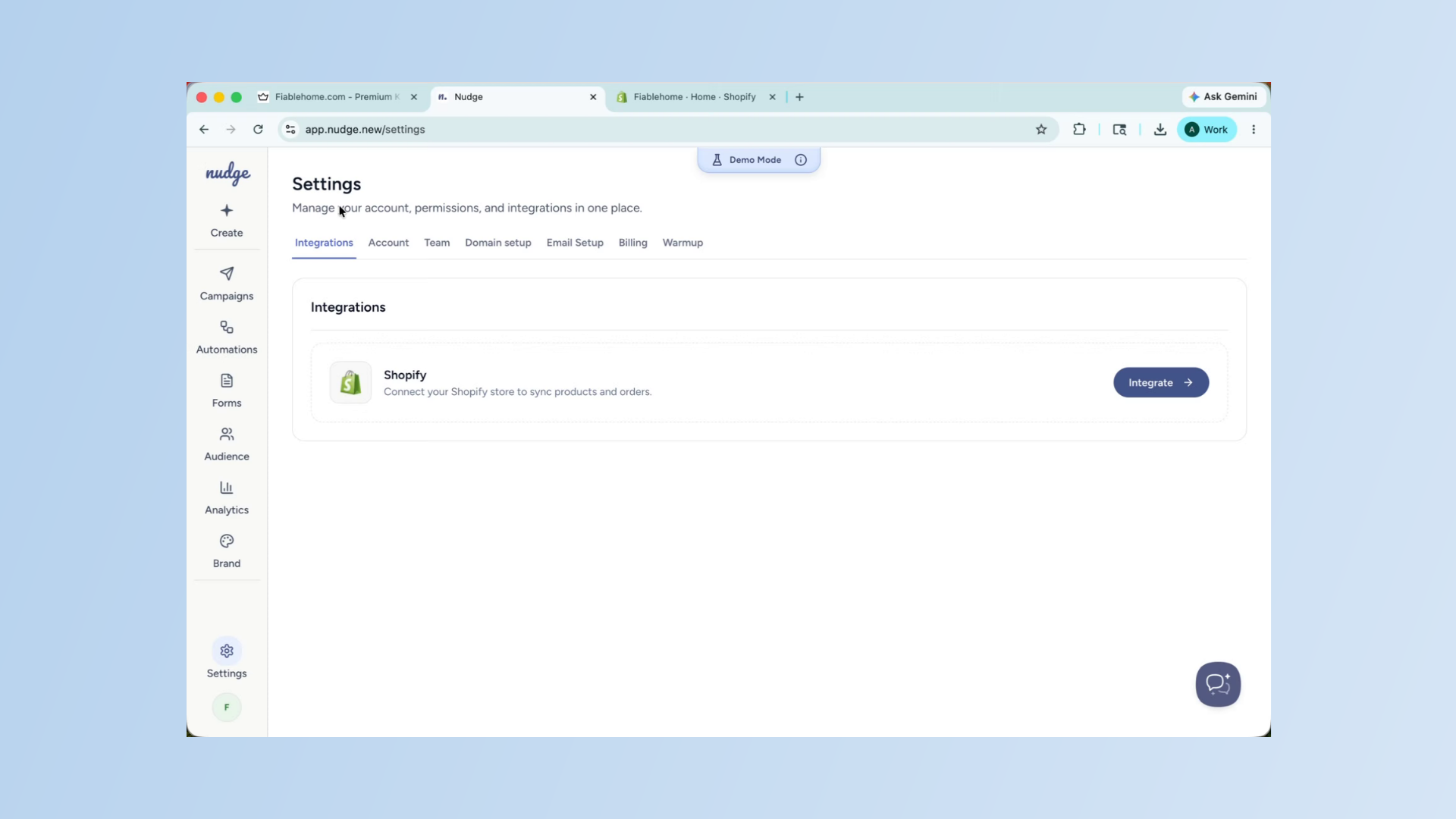
Authenticate Your Shopify Store
Once you approve the connection, Nudge will begin syncing your store data in the background — products, customers, and order history. This may take a few minutes depending on the size of your store.
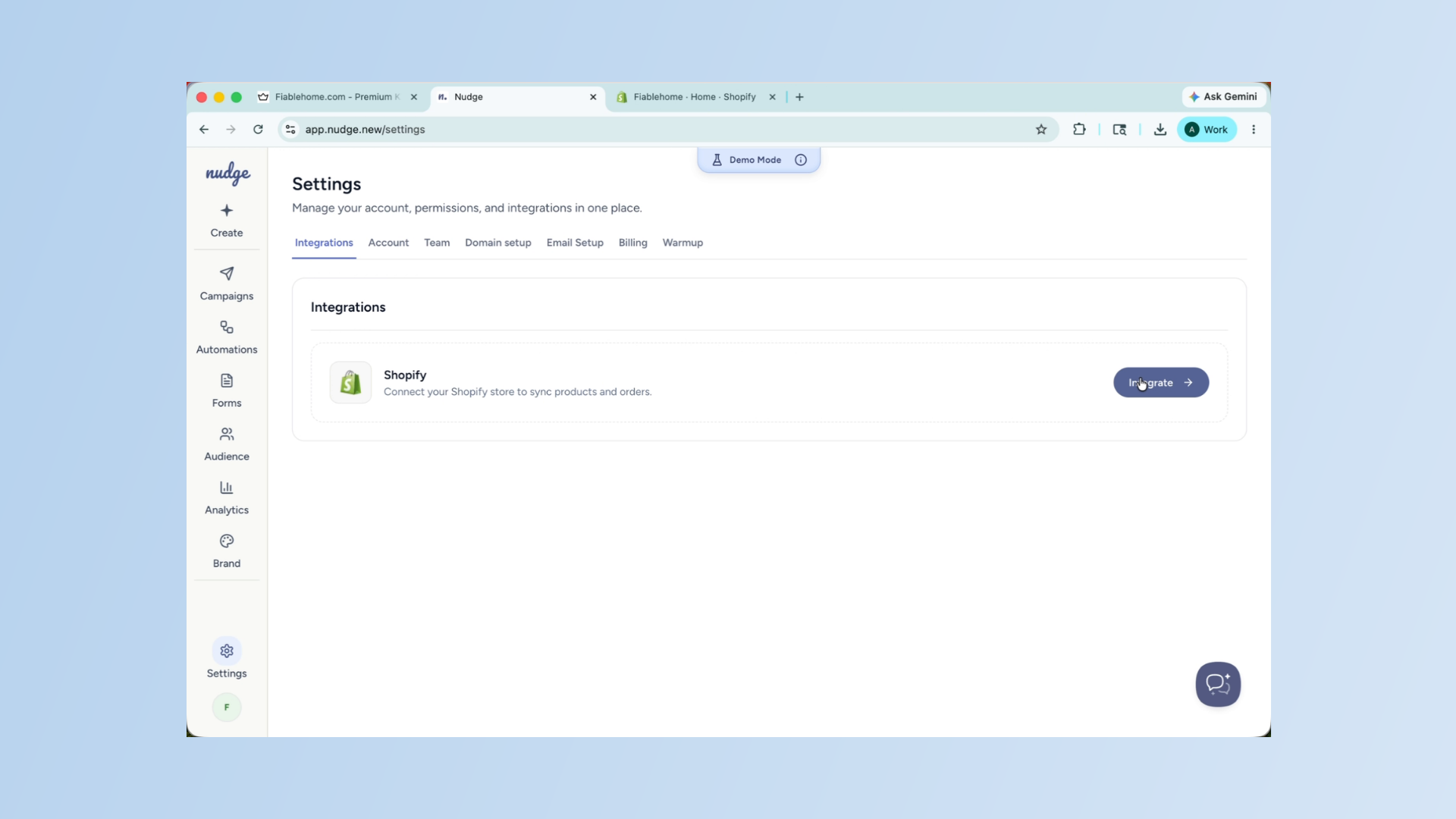
Continue to Next Step
Click the Continue button to proceed with the integration process. You will be redirected to your Shopify store to complete the authorisation.
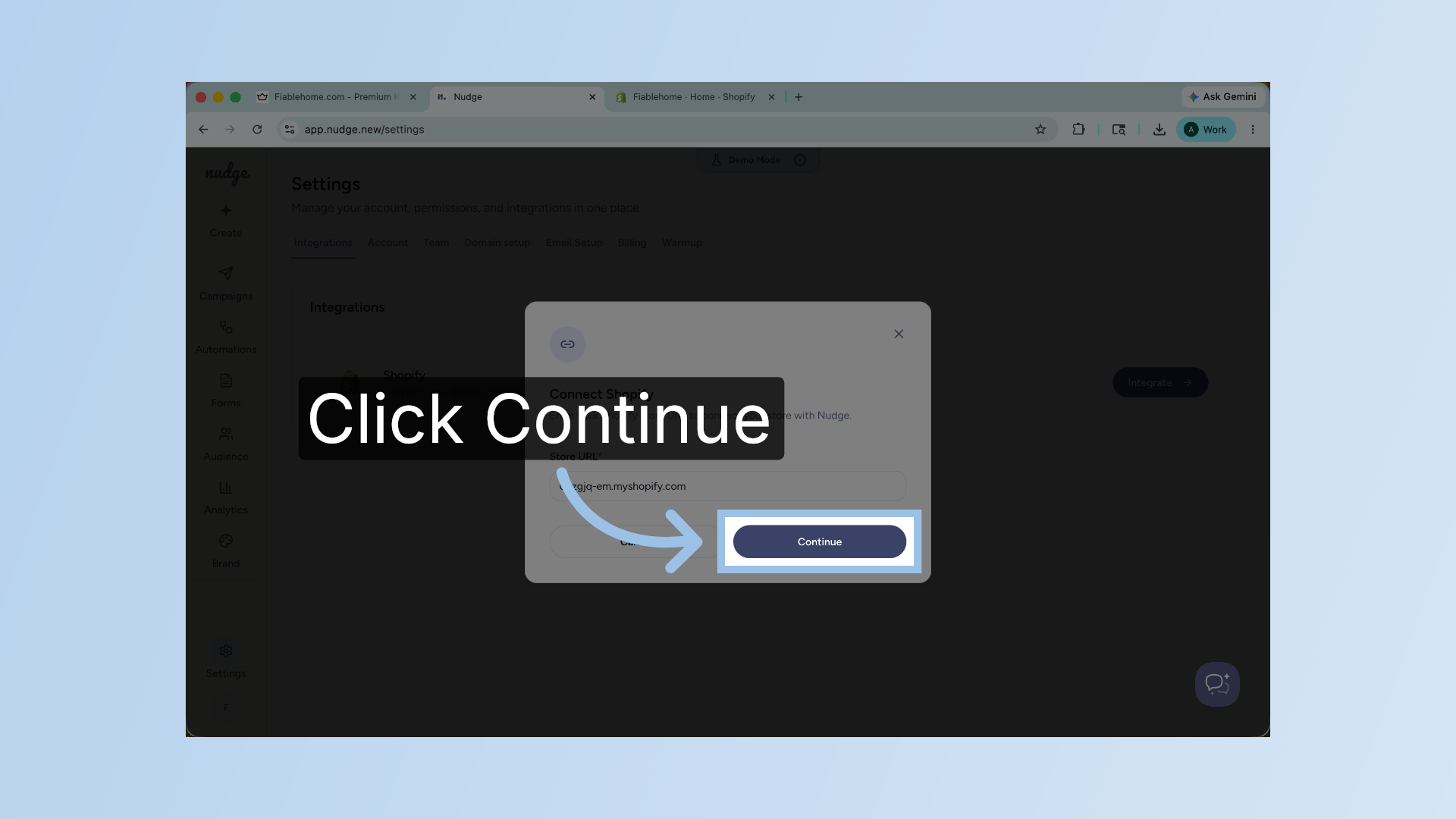
Confirm App Installation
Once connected, Nudge will have access to your product catalogue, customer list, and purchase data. This is what powers features like product-specific campaigns, smart segments based on purchase behaviour, and personalised flow triggers like checkout abandonment.
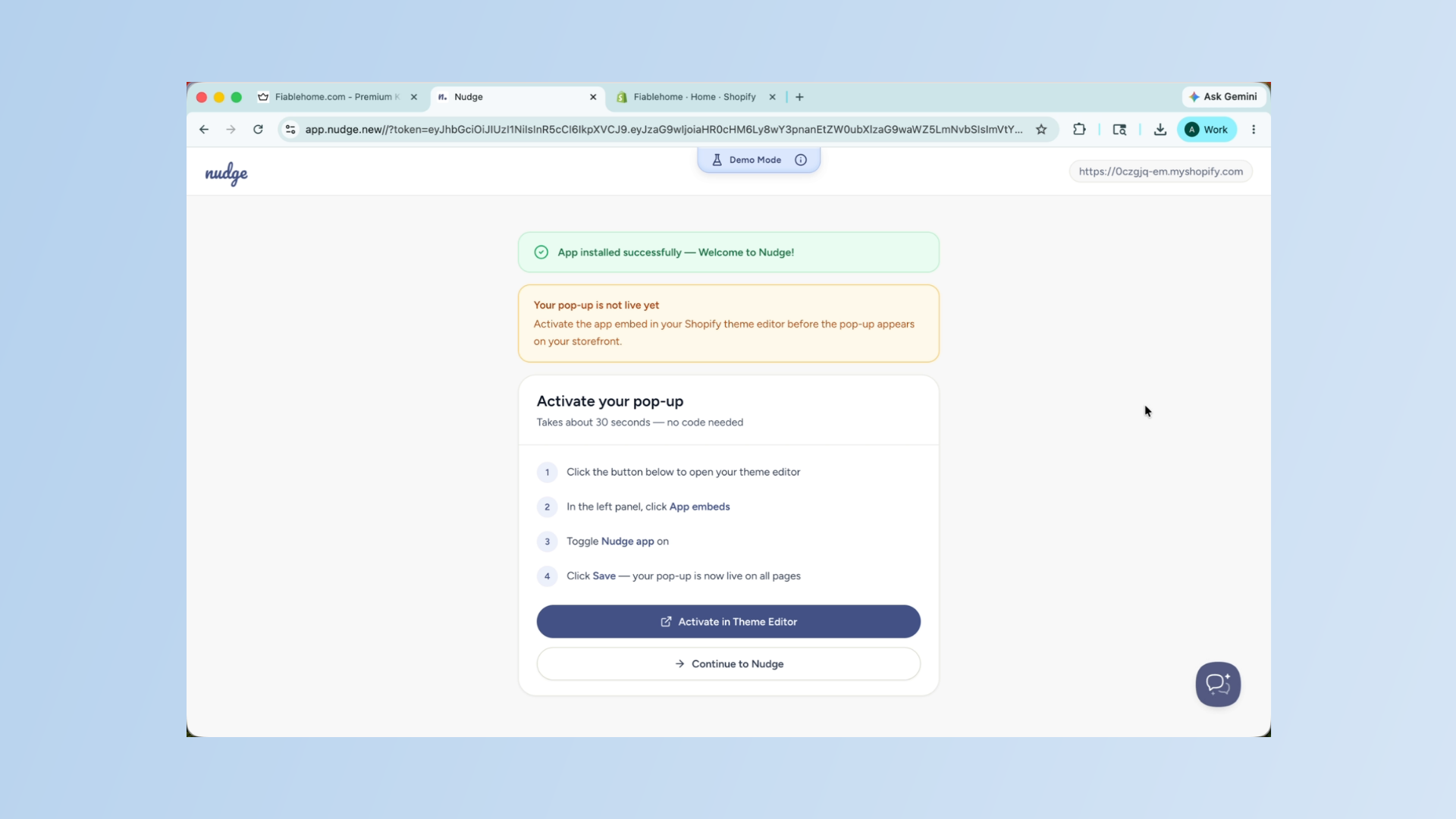
Proceed to Nudge Section
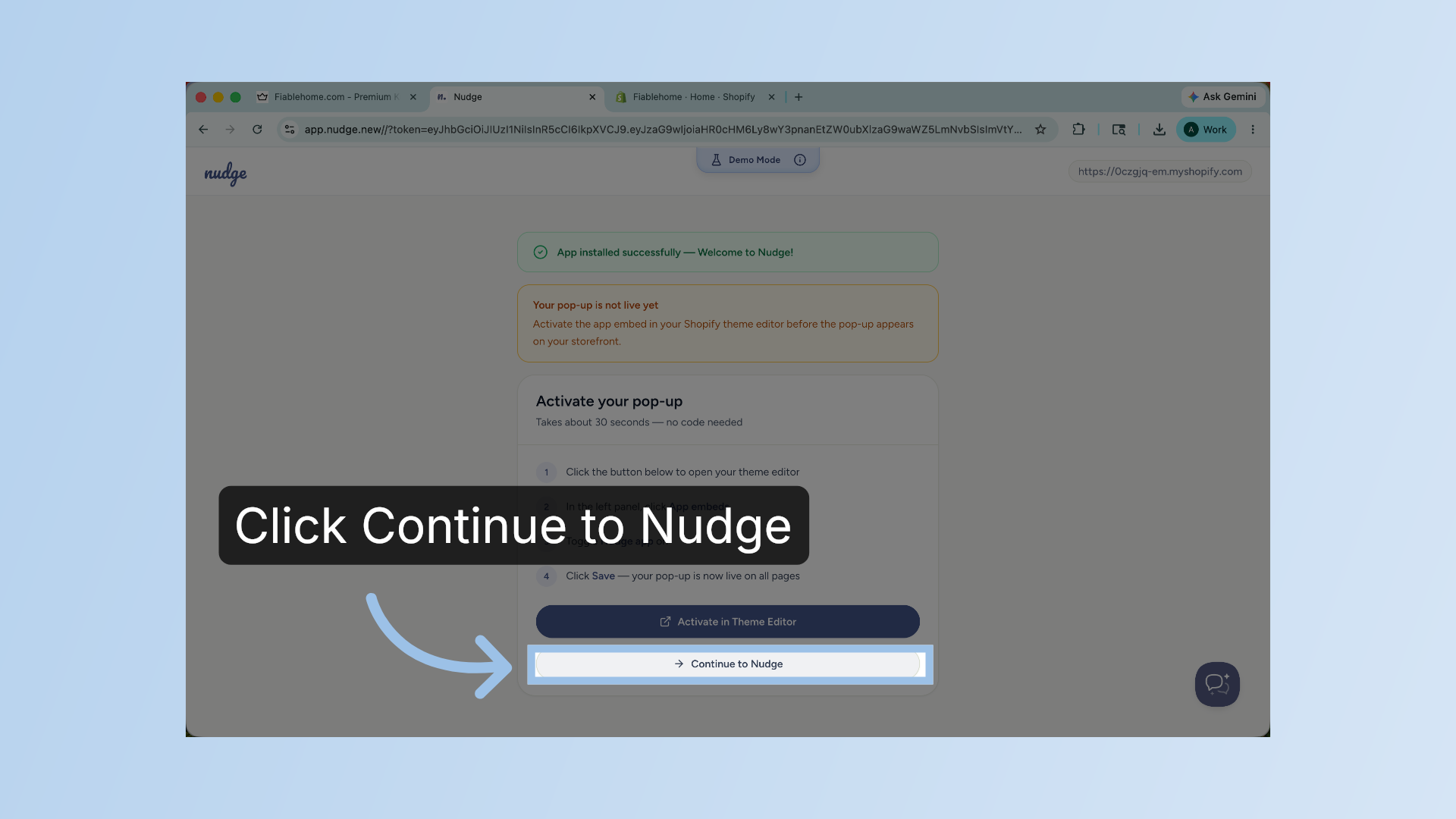
Click the Continue to Nudge button to complete the process and you are all set!
Understand Store Disconnection Warning
If you ever need to disconnect your store, you can do so from the same Integrations section at any time. Just keep in mind that disconnecting will remove all synced data from Nudge, so only do this if you are sure.
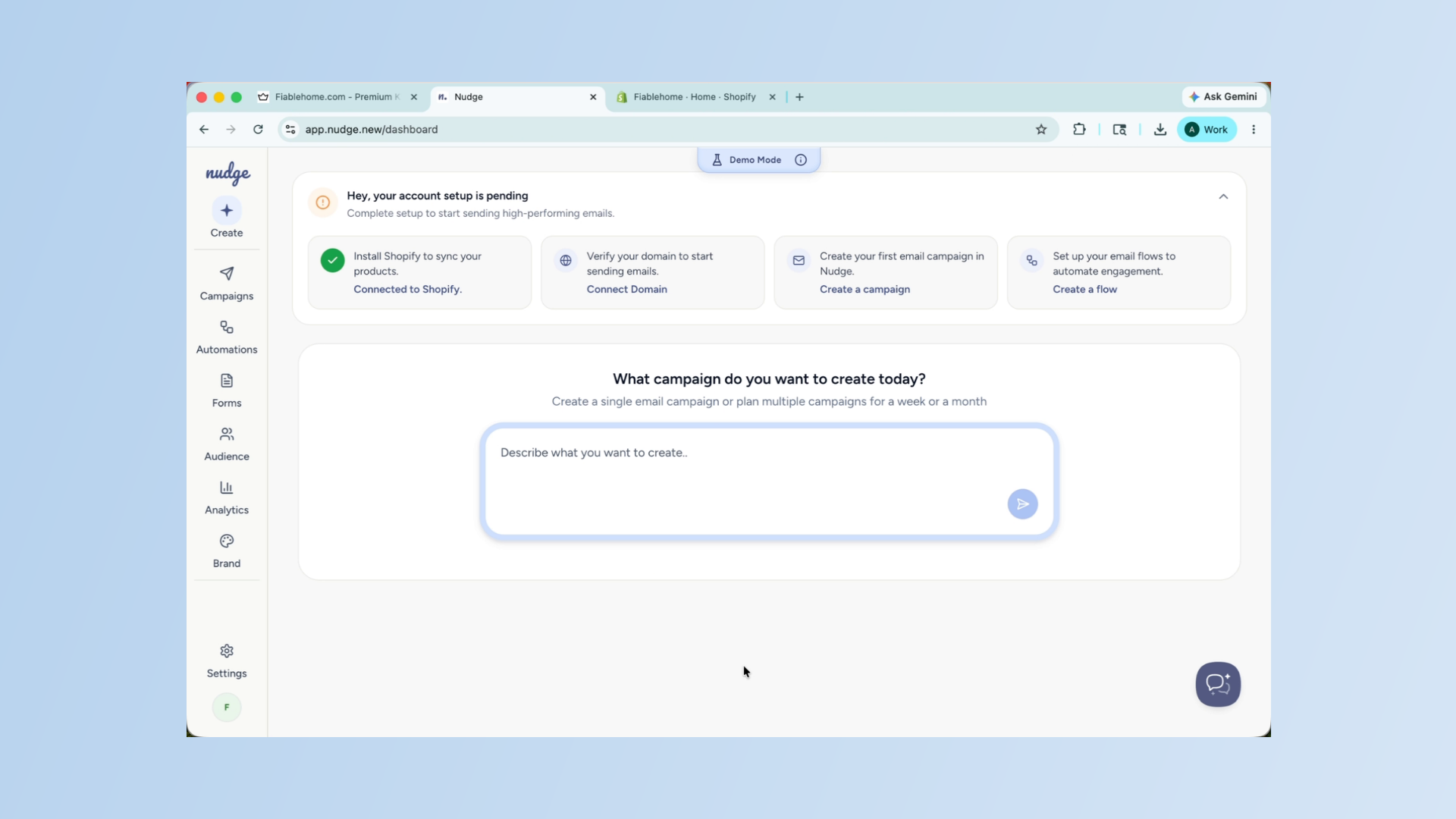
Your Shopify store is now connected, and Nudge is ready to use your data to create more personalised and effective campaigns. Head to the Audience section to see your synced customers, or start building your first campaign using your live product data.