Explore Nudge AI Email Marketing Platform Features
New to Nudge? In this video, we will walk you through everything the platform can do — from your very first campaign to full marketing automation.
Introduction To Nudge Platform
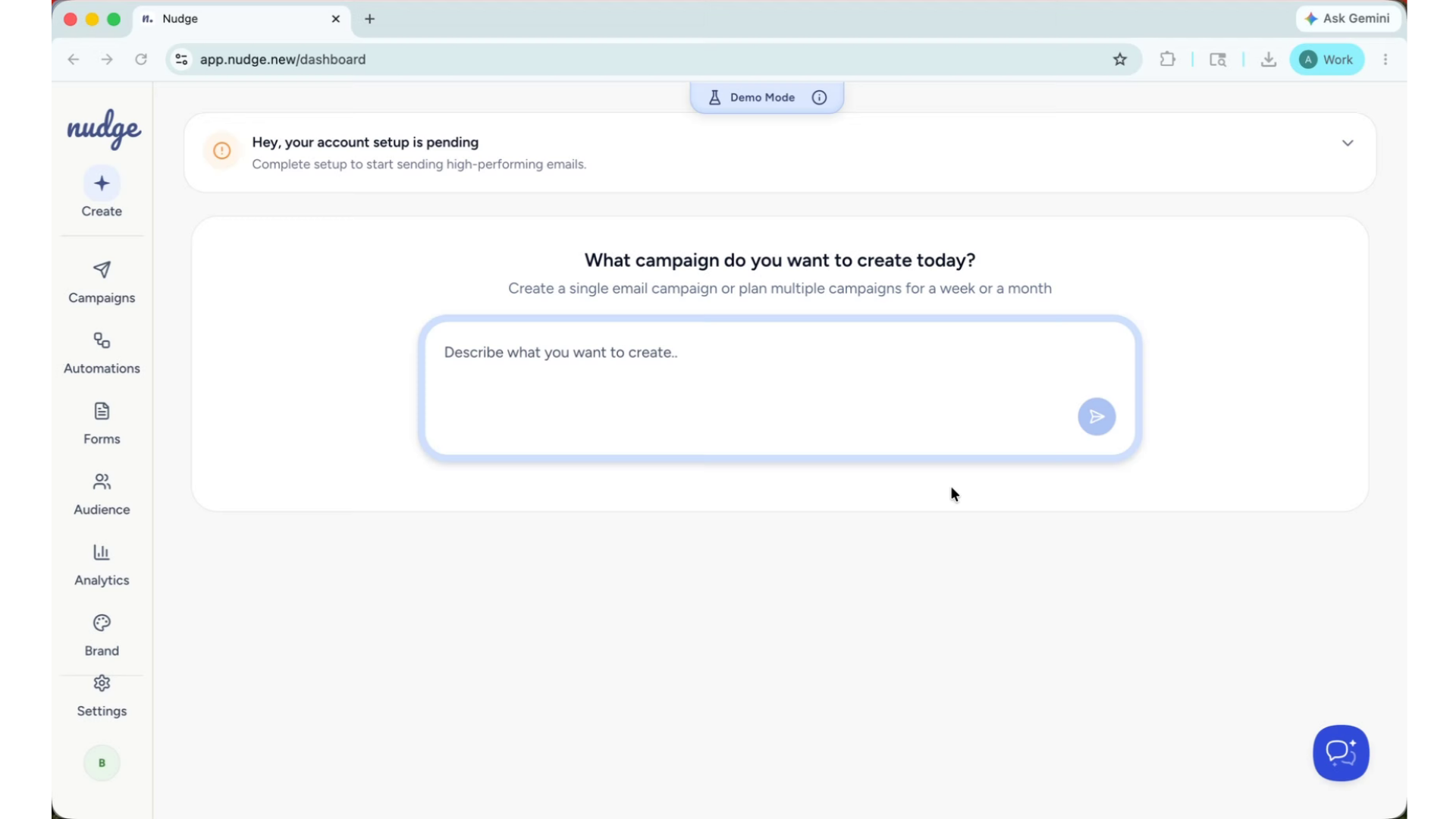
Now instead of spending hours writing copy, designing emails, and figuring out what to send when — you simply tell Nudge what you want to achieve and it handles the rest.
Nudge AI Email Marketing Overview
Let's take a quick tour.
Campaign Creation Process Explained
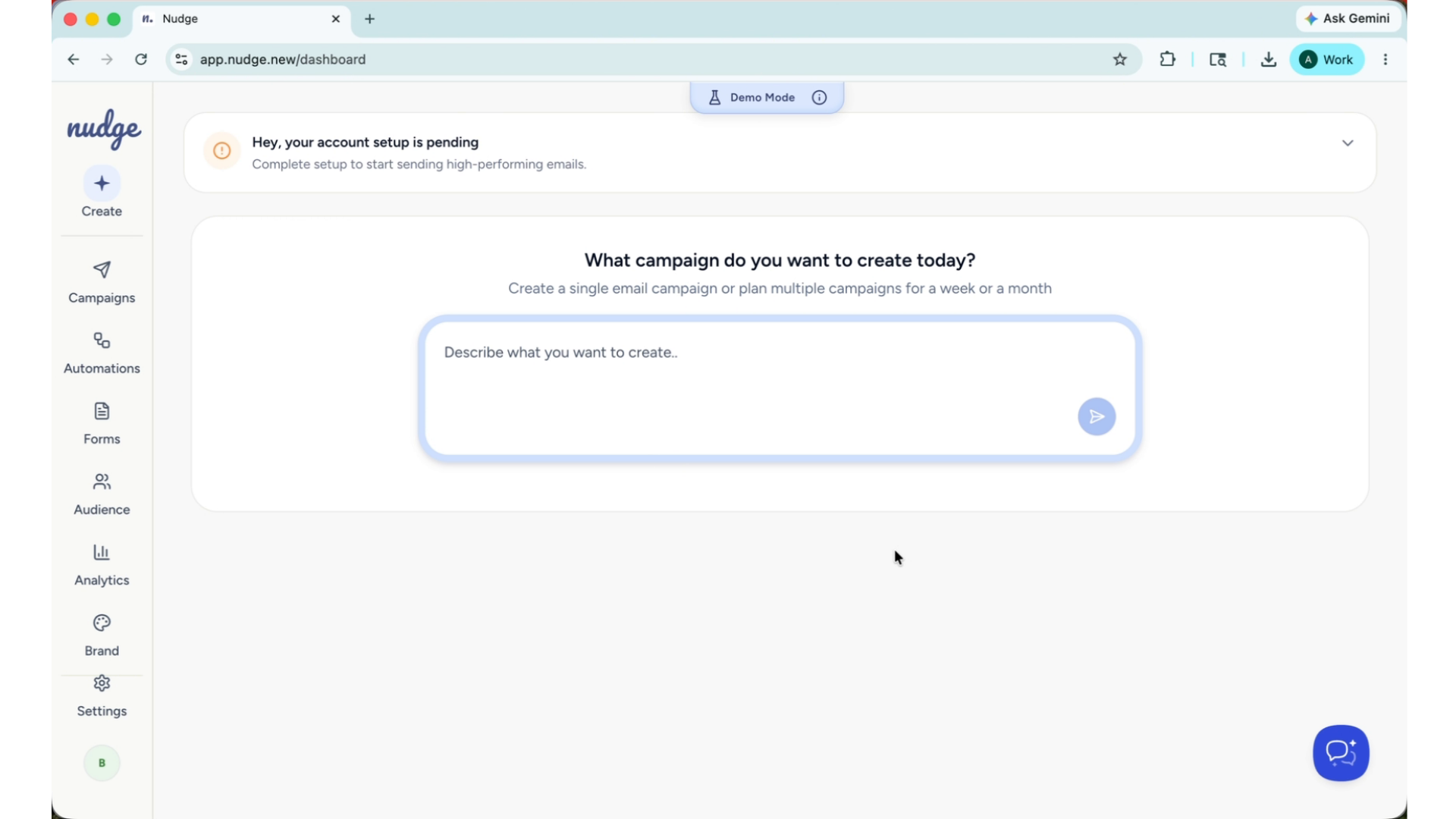
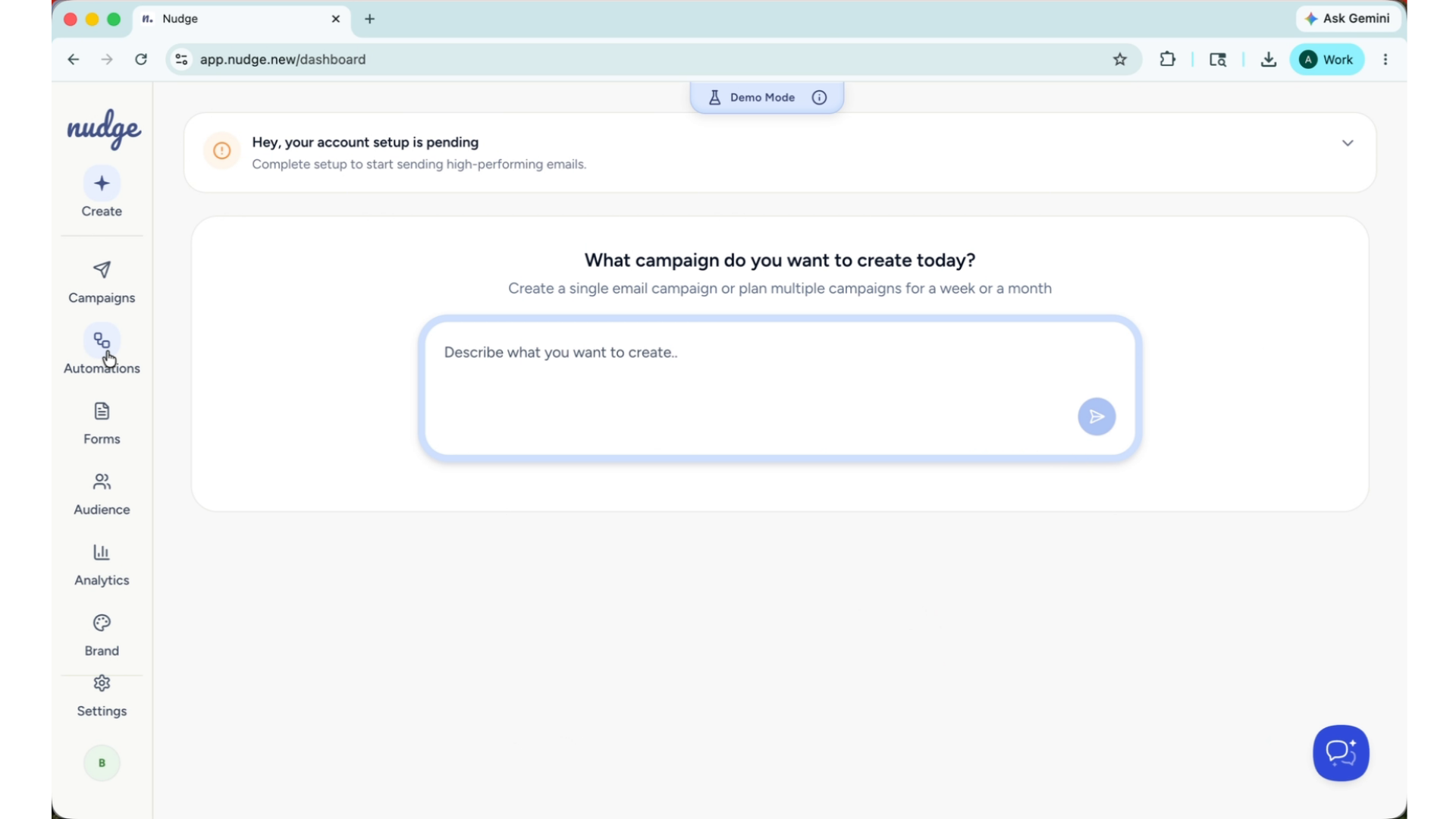
The Campaigns section is where you create one-off email sends — a sale, a product launch, a seasonal promotion. You describe your campaign in plain language, Nudge builds the strategy and design, and you send it to the right audience. The whole process takes minutes, not hours.
Automation Flows Setup Examples
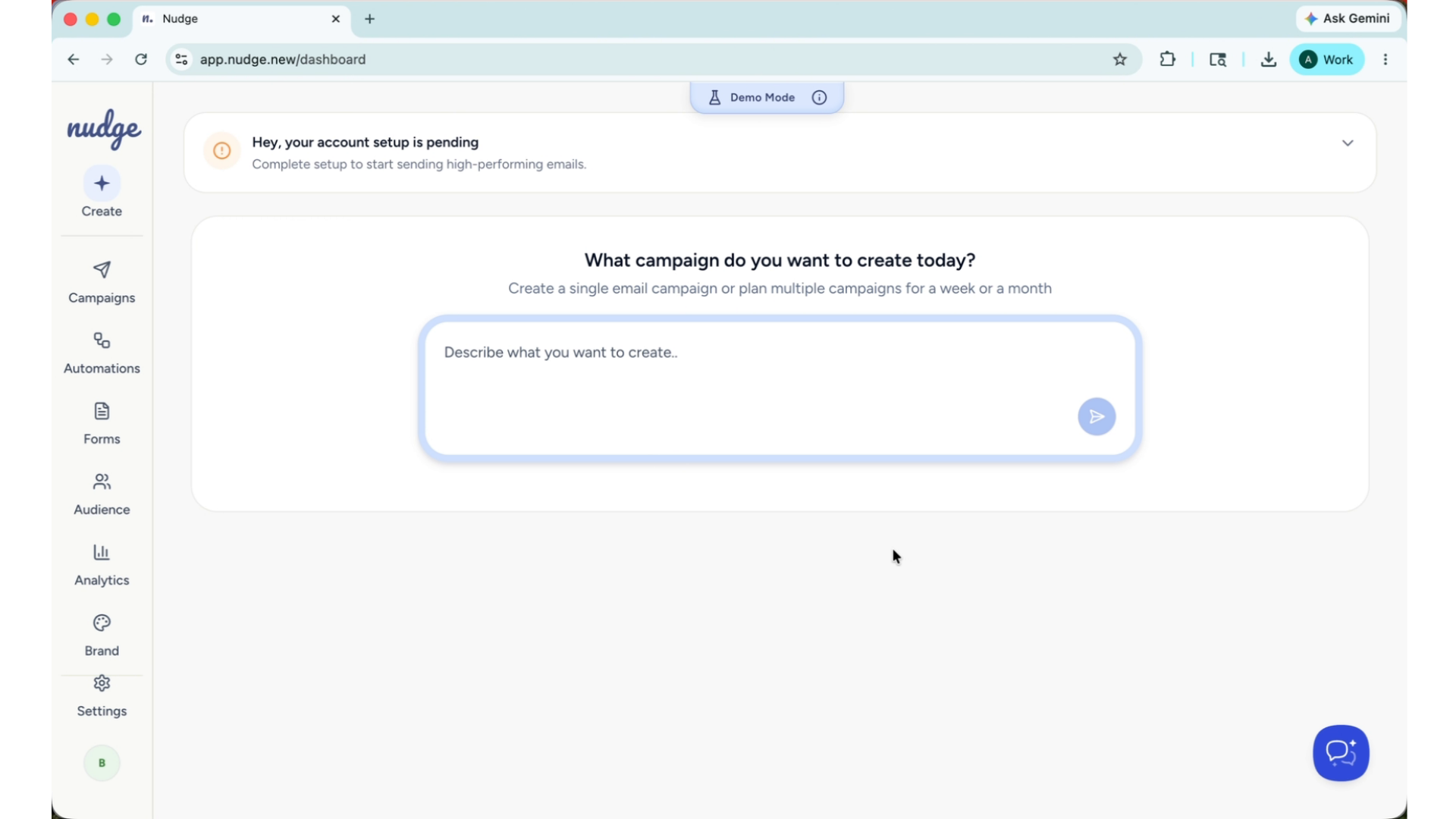
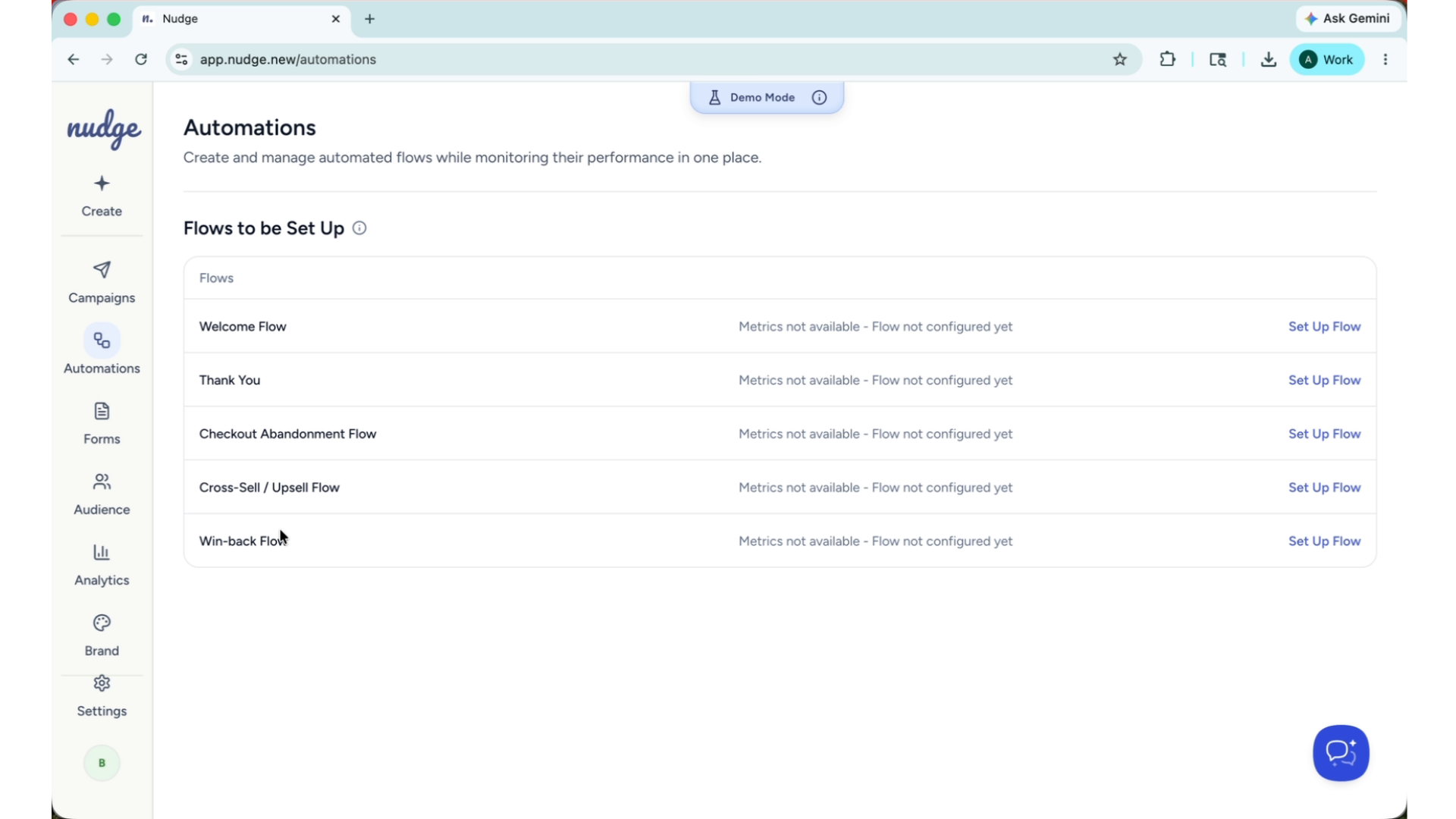
The automation section is where your emails run on their own. Set up a welcome flow for a new subscriber, a checkout abandoned flow for a customer who did not complete their purchase, or a win back for a customer who has gone quiet. Once they are live, they work around the clock without any effort for you.
Creating Pop-Up Forms With AI
The Forms section lets you create pop-up forms that capture new subscribers directly from your website. You can start from a template or build one with AI, customise the design to match your brand, and configure exactly when and where it appears. New subscribers go straight into your Nudge audience, ready to receive your campaigns.
Audience Management And Importing
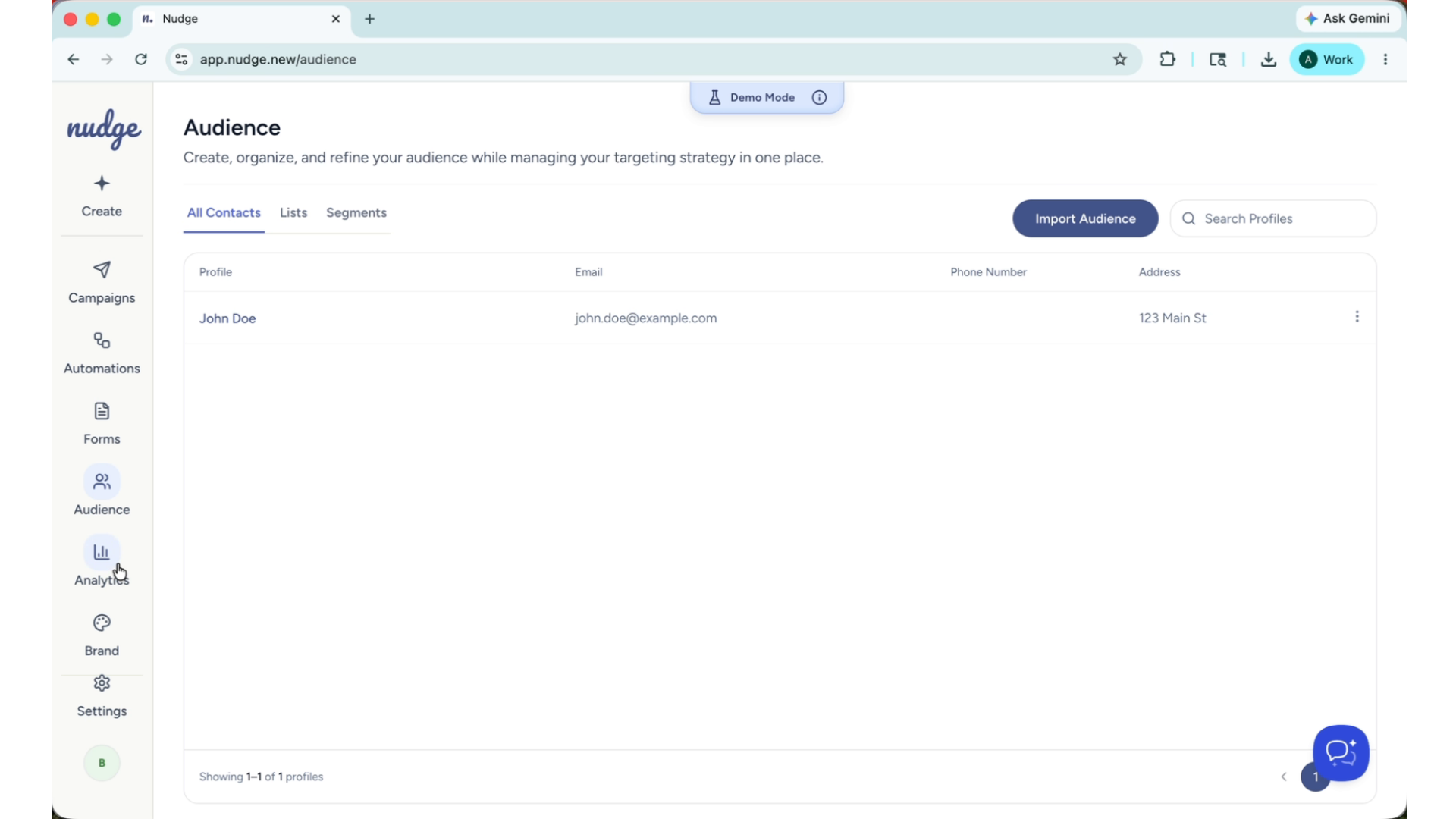
The Audience section is where you manage your customer lists and segments. You can import contacts from a CSV, create smart segments based on purchase behaviour, and let Nudge automatically map your customers to the right campaigns and flows.
Brand Kit Introduction
Brand Kit.
Automatic Brand Customization
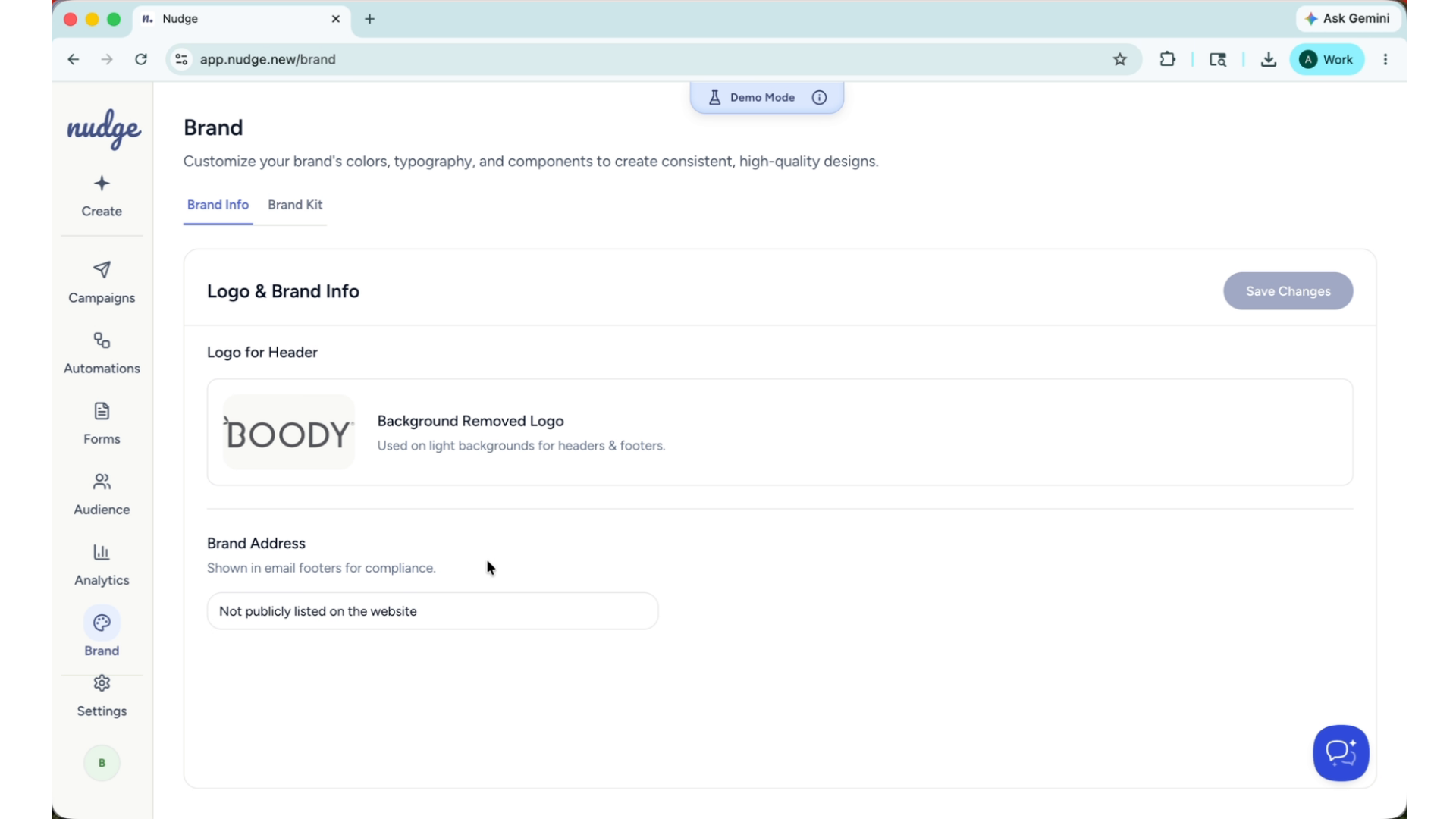
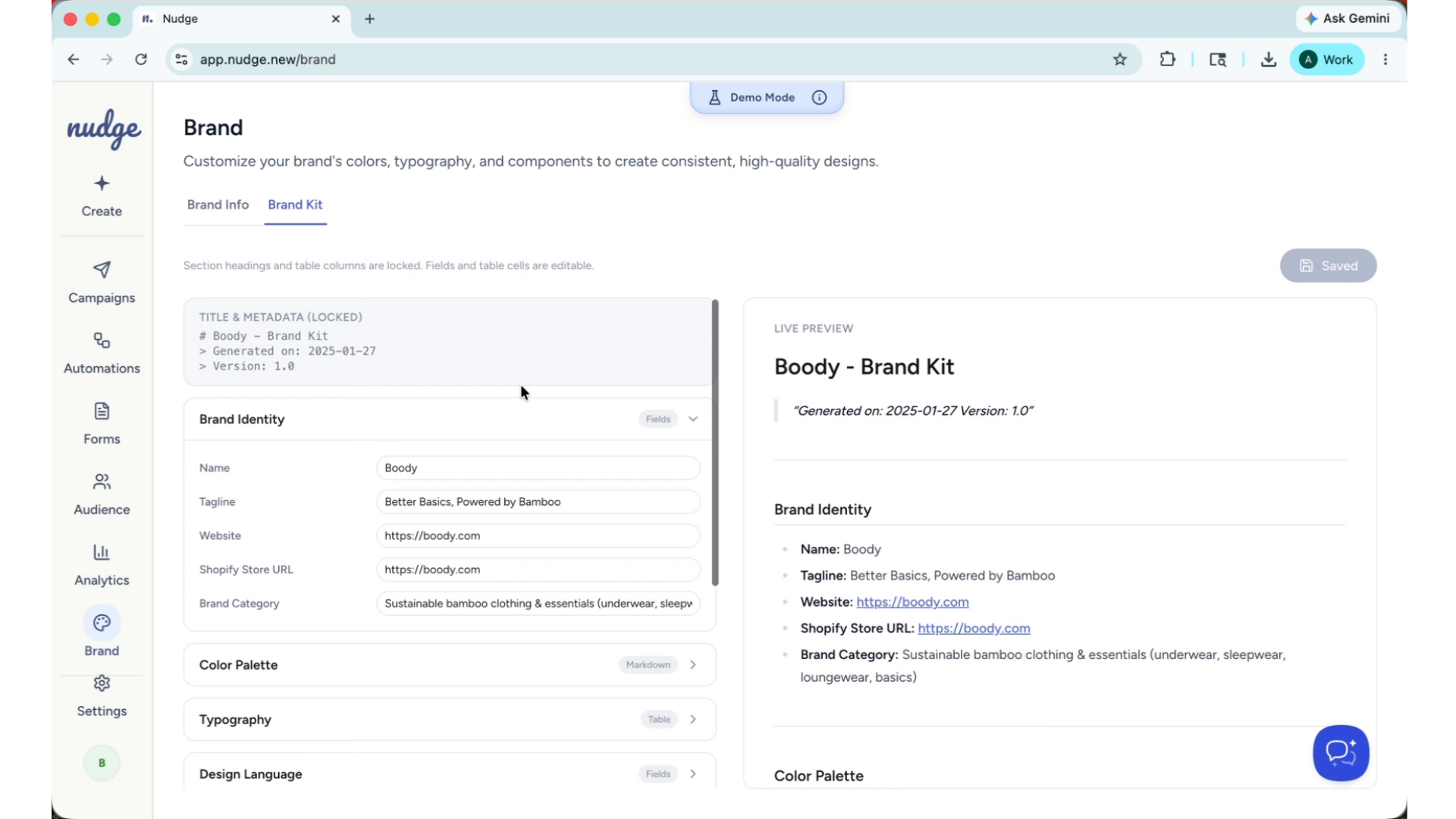
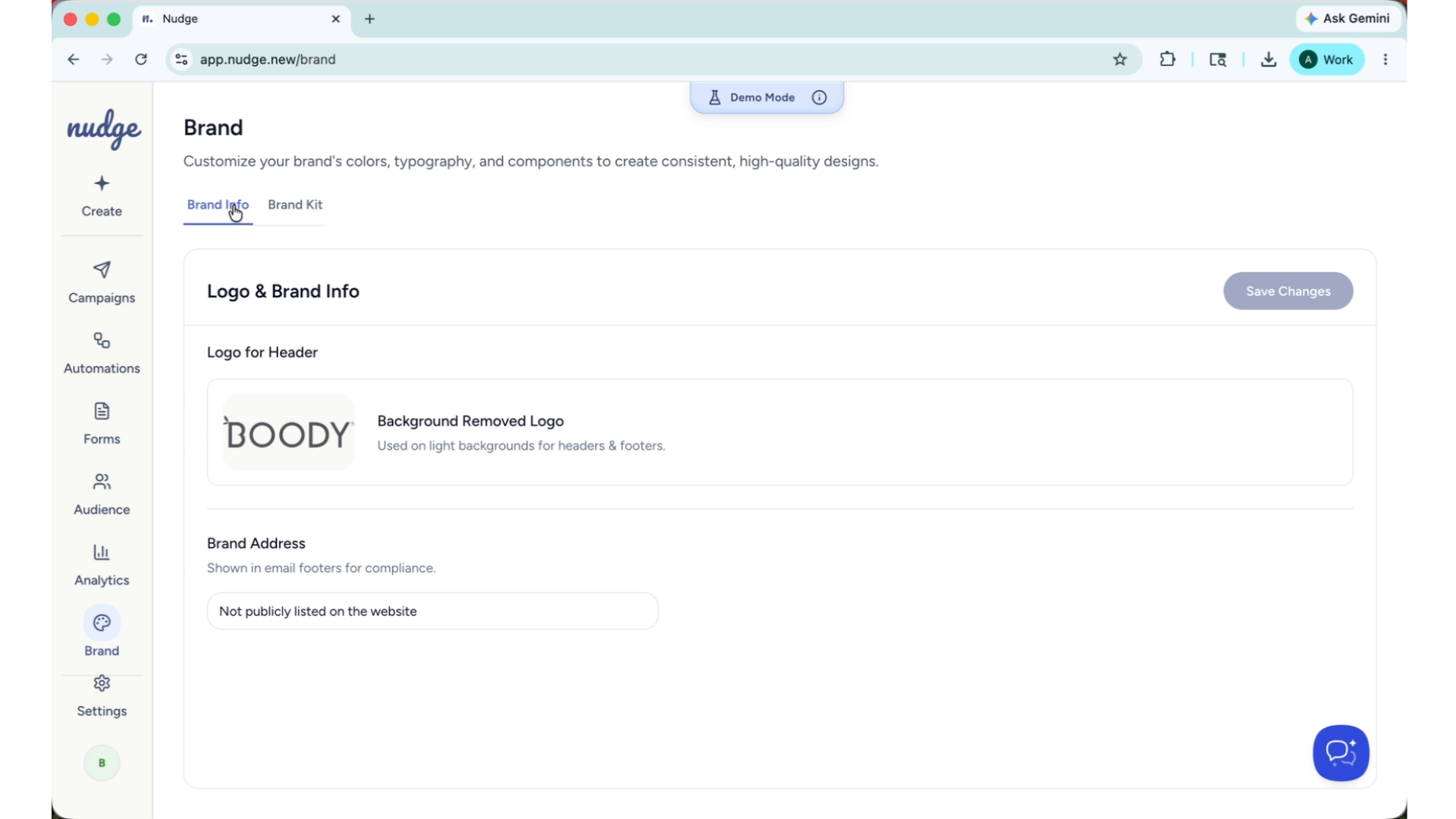
One of the things that makes Nudge different is how it learns your brand. When you sign up, Nudge automatically fetches your logo, colours, fonts, and tone of voice from your website. Everything it creates — campaigns, flows, pop-ups — is on-brand from day one.
Updating Brand Details
You can update these details at any time in the brand section.
Email Performance Tracking Metrics
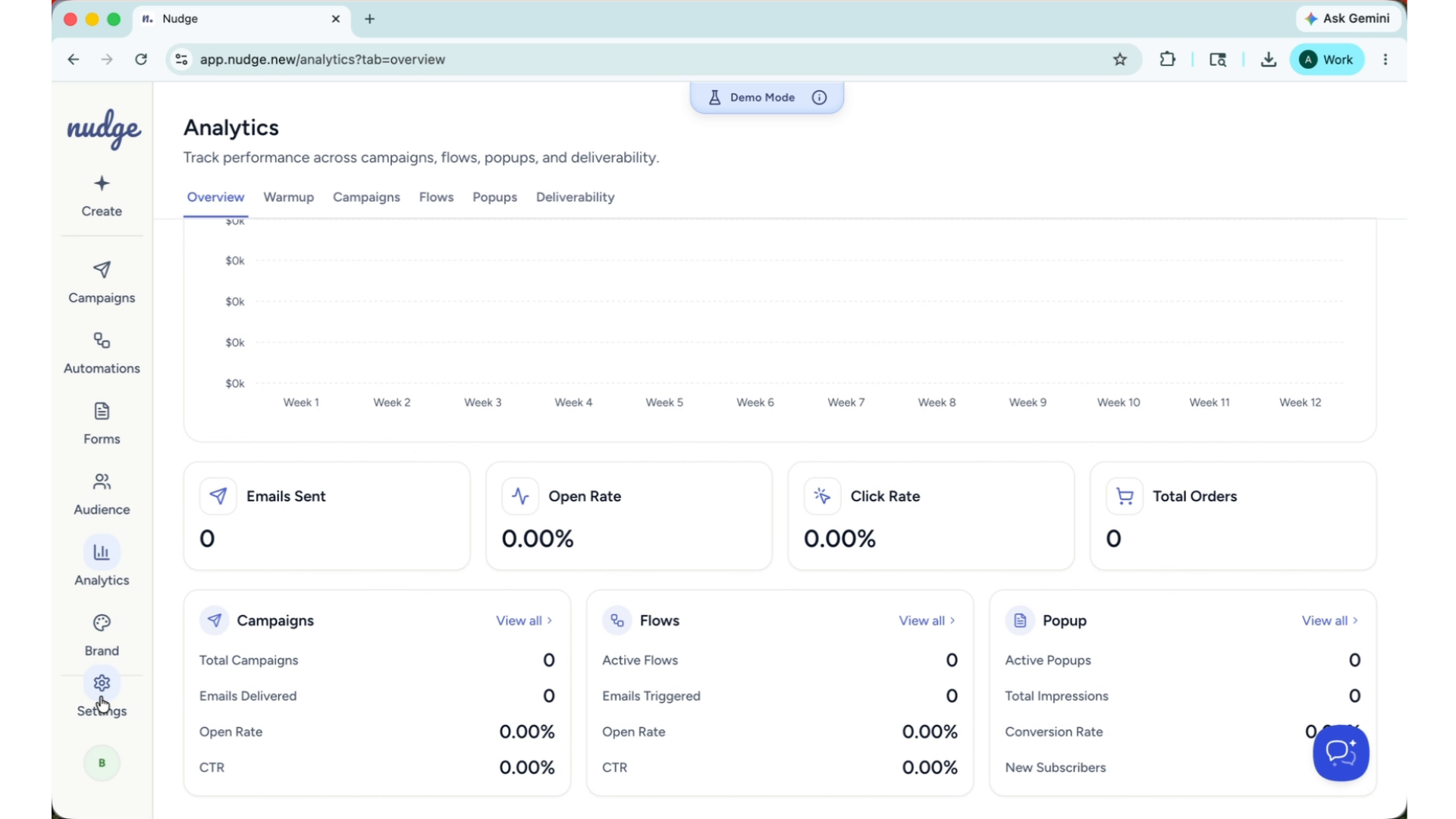
The Analytics section gives you a clear view of how your emails are performing. Track open rates, click rates, and deliverability across your campaigns, flows, and pop-ups — all in one place. Use these insights to understand what is working and where there is room to improve.
Store Connection And Configuration
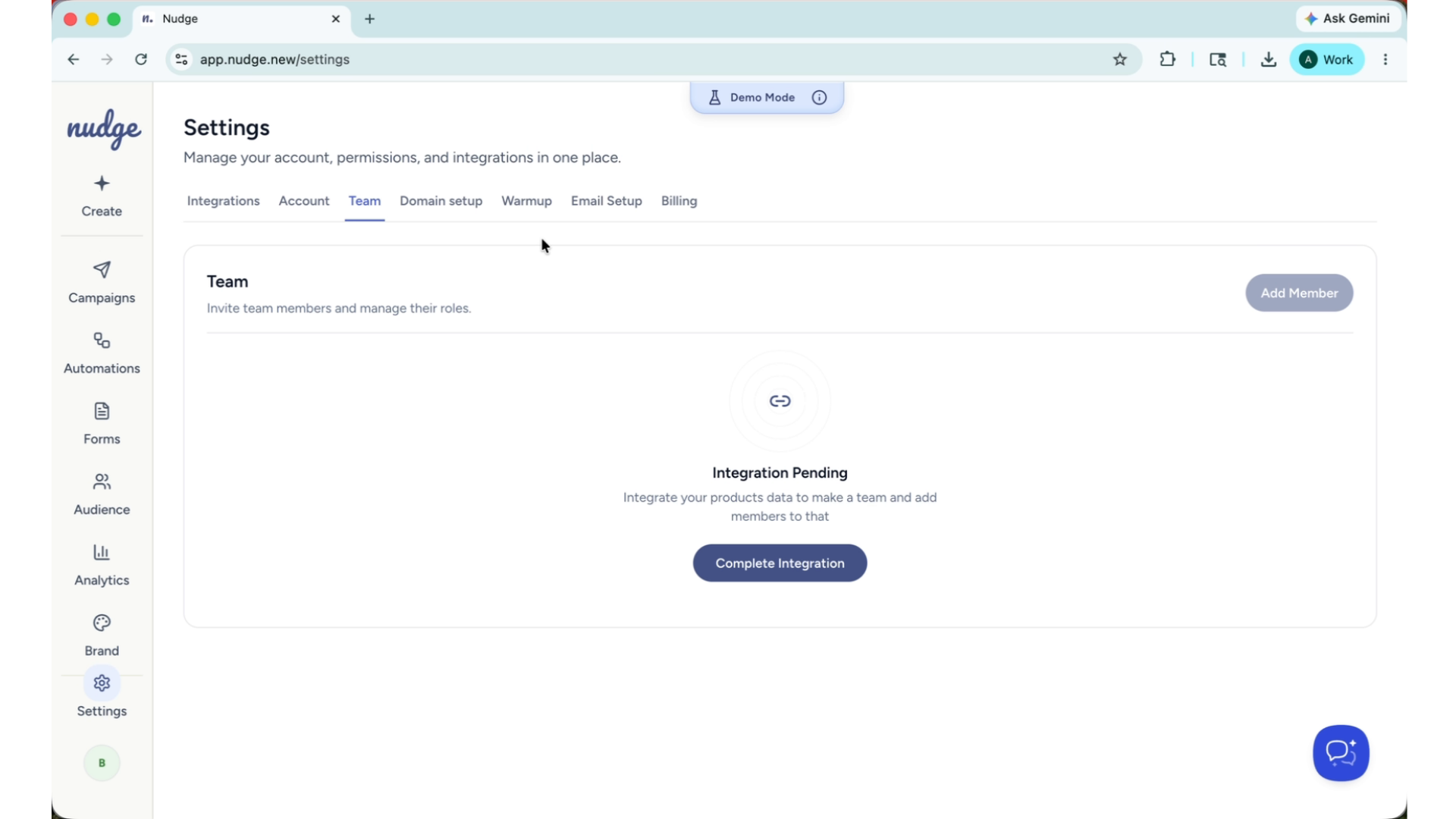
Finally, the Settings section is where you connect your Shopify store, set up your sending domain, configure your timezone and currency, and invite your team members. Getting these set up early means everything runs smoothly from the start.
Call To Action And Next Steps
That is Nudge in a nutshell — campaigns, flows, pop-ups, audience management, and analytics, all powered by AI and built around your brand.
Head to our other guides to get started with each feature or jump straight in and create your first campaign. We're excited to see what you build.